
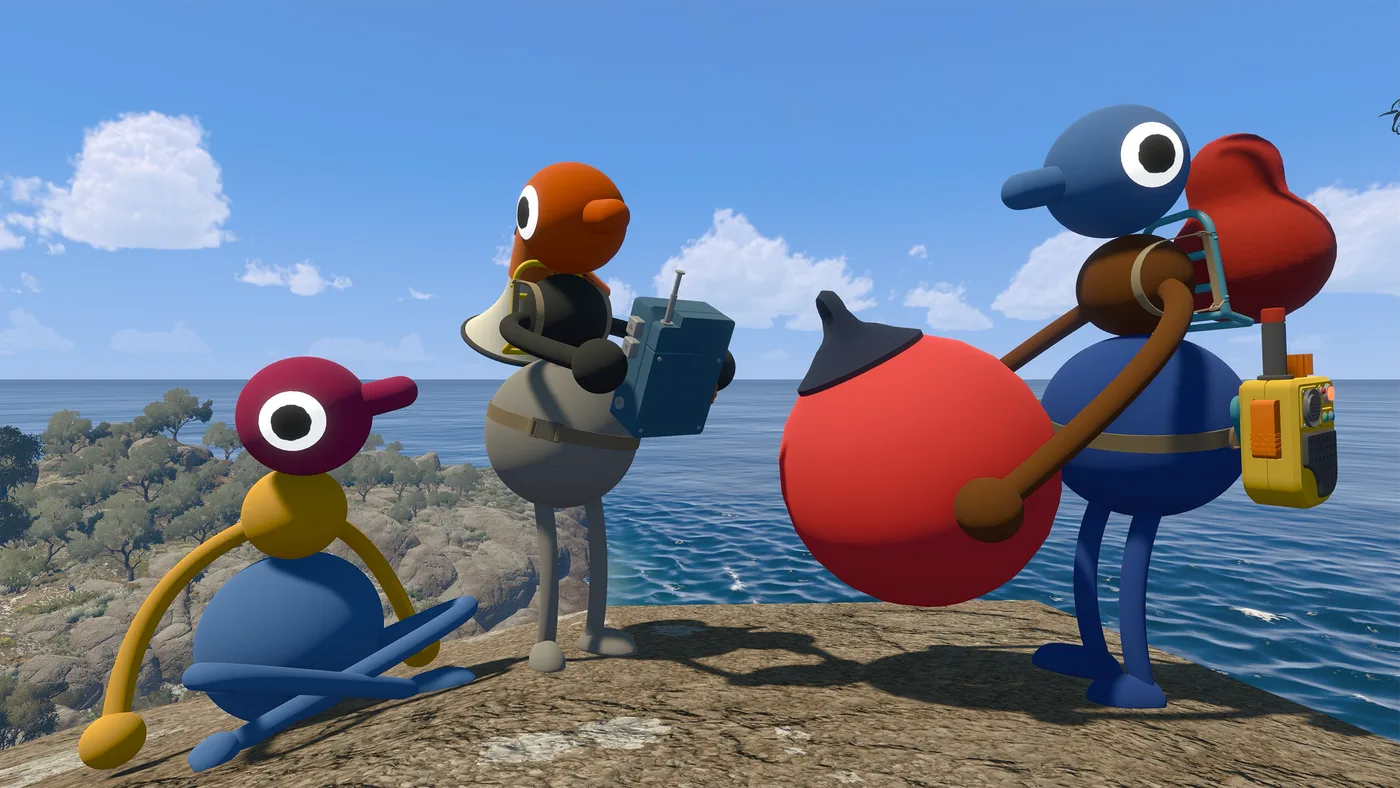
Big Walk is a first-person game about walking long distances across uneven terrain, which is close to a worst case for anyone who gets motion sick in first-person games. House House were asked about it directly and their answer starts with “Hopefully” — followed by two specific settings in a specific order.
Both are worth setting before your first long session rather than after the first bad one.
Try the overlays first
Settings > General > Motion Reduction Overlays.
House House describe these as “unique” overlays that “may help you feel more grounded, and less motion sick.” There are several to choose from, and they are listed among the game’s core accessibility features rather than tucked away as an experimental toggle.
A motion reduction overlay works by putting something stationary in your view. Your inner ear reports that you are sitting still while your eyes report movement; a fixed reference frame gives the eyes something that agrees with the inner ear. This is why the studio’s phrasing is “more grounded” rather than “less blurry” — it is a vestibular fix, not a visual-quality one.
Since there are multiple styles, try them in a low-stakes moment rather than mid-session. What works varies a lot between people.
Then widen the field of view
Settings > Graphics > Field of View.
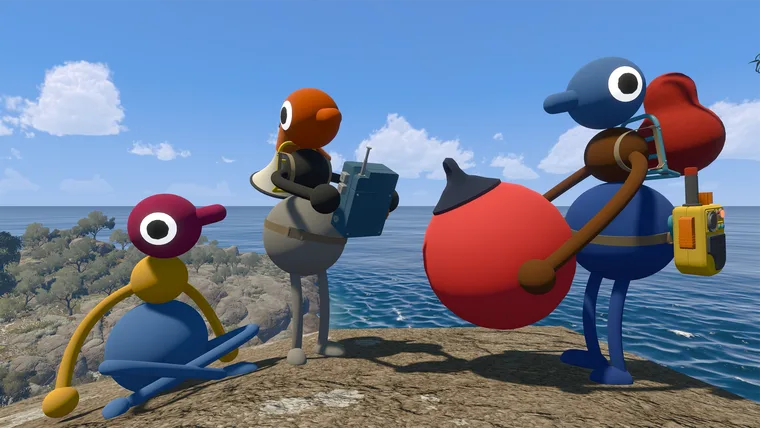
House House’s explanation: “A higher number allows you to see more of the world, which may make you feel less claustrophobic, and less motion sick.”
A narrow FOV crops peripheral vision, which both increases the sense of enclosure and makes turning feel faster than it is. Widening it costs a little performance and, at extremes, distorts objects at the screen edges — so raise it in steps and stop at the first setting that feels comfortable rather than pushing it to maximum.
If widening FOV drops your frame rate noticeably, that matters more than it would in a single-player game: a low frame rate makes motion sickness worse and, if you are the host, causes network problems for everyone. Lower Render Scale to buy the performance back rather than narrowing FOV again.
Things that help that are not settings
Three of Big Walk’s design decisions work in your favour here, and none of them are toggles:
You set the pace. The game is explicitly about finding your way around an open world “at your own pace.” There is no timer on traversal, so you can stop whenever you need to.
Sitting still is an activity. House House advertise watching the sunset as a thing to do. A group that has agreed in advance that breaks are normal is a much easier group to play with than one where stopping feels like holding everyone up.
Challenge skipping covers the reaction-speed cases. If the specific problem is a challenge requiring fast movement, the host can enable challenge skipping at session start and it applies to any challenge.
If none of that is enough, the honest answer is that Big Walk is a first-person walking game and there is no third-person mode. Tell your group early — a two-hour session split into two one-hour sessions is a scheduling problem, and scheduling problems are the ones this game is already built around.
Balancing comfort against performance
There is a tension between the two comfort settings and frame rate, and it is worth resolving deliberately rather than discovering mid-session.
Raising field of view renders more of the world each frame, which costs performance. Lowering Render Scale gets that performance back at the cost of image sharpness. For most people the trade is worth making in that direction: a wider view at slightly lower resolution is more comfortable than a narrow crisp one, and a stable frame rate matters more for motion sickness than pixel count does.
If you are the host, there is a second reason to protect frame rate. House House state that a host running at a low frame rate causes network problems for the entire session — so a host chasing maximum field of view can make everyone else’s game stutter.
Steam categorises Big Walk under Camera Comfort, which is the storefront-level acknowledgement that these options exist. It is a useful filter term if you are checking other games for the same provisions.
Set it up before the first long session
Motion sickness has a memory: once a session has made you unwell, the next one starts from a worse baseline. That makes the setup order worth doing on day one rather than after a bad evening.
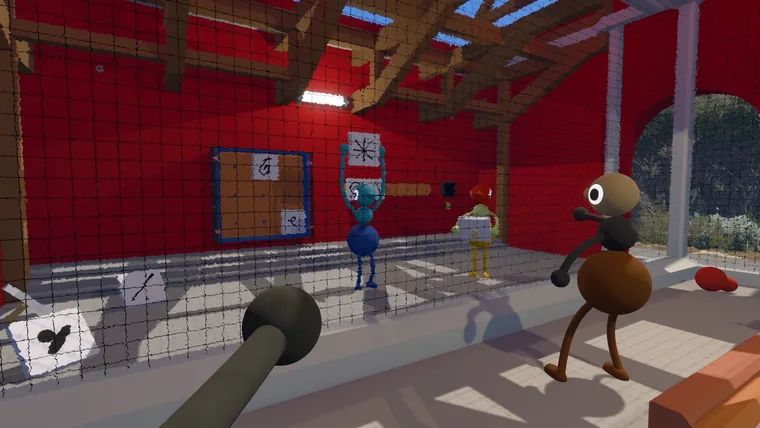
Fifteen minutes is enough. Start a session, cycle through the Motion Reduction Overlays until one feels right, raise field of view in steps until turning stops feeling fast, then check your frame rate is stable at those settings. If it is not, lower Render Scale rather than undoing the comfort settings.
Then tell your group. Big Walk has no timer on traversal, sitting still is an advertised activity, and a group that has agreed in advance that breaks are normal is a much easier group to play a three-hour walk with.
Two other design choices reduce the load without being settings at all. Big Walk moves at walking pace rather than sprinting, and its camera is driven entirely by your own input — there are no scripted camera moves, no forced perspective shifts, and no vehicle sequences documented anywhere in the official material. Both of the confirmed ride-along systems, the chairlift and the train, are things you sit on rather than steer, which for most people is easier rather than harder.