
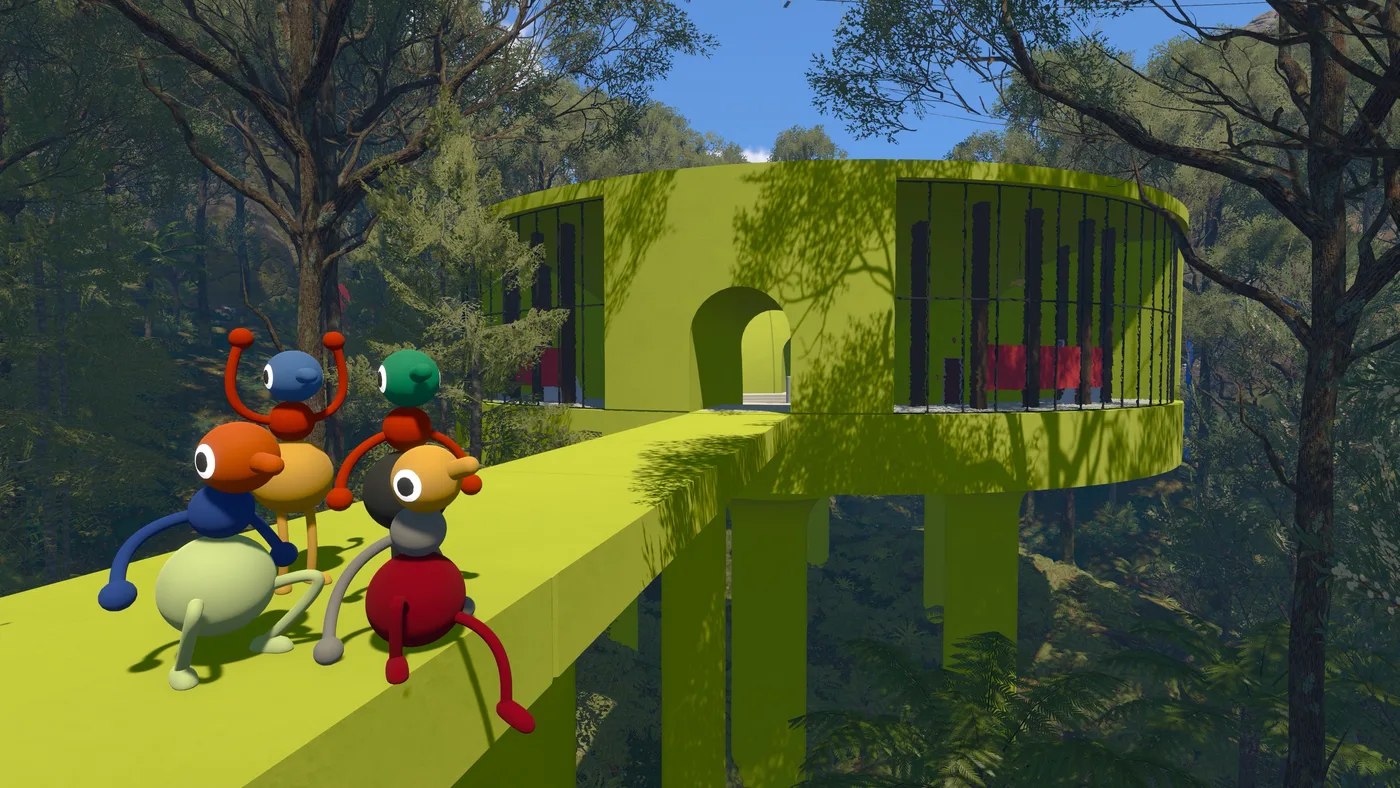
Big Walk has fewer systems than most co-op games and each one carries more weight. There is no inventory economy, no levelling, no loadout. What there is: a voice system that changes with distance and geometry, a set of carried tools that alter it, and a session model where one machine holds everything.
These pages split by when you need them. Session setup happens once and constrains everything after it. The talking systems are what you use minute to minute. Settings and fixes are what you reach for when something is not working.
Setting up a session
These decisions are made at launch by the host and cannot be changed partway through.
- Player count — the host picks a 2, 3 or 4+ player world and the world adapts. Also covers what does not exist: single-player, matchmaking, split screen.
- Hosting and saves — the host machine holds the only save, so the host has to start first and everyone disconnects when they stop.
- Join code — where the code lives before and after launch, how to change the session password, and why Mac App Store players have no other option.
- Crossplay — every platform combination works; what differs is the friends list, not the ability to play together.

Talking to each other
Communication is the game. All three of these systems interlock — text obeys the voice rules, and gestures are what is left when both are taken away.
- Proximity chat — voices fade with distance, echo down corridors, muffle through walls, crackle through radios. This is the signature system.
- Playing without a microphone — text chat has the same features and the same intentional limitations as voice. You can finish the game on it.
- Gestures — pointing, waving and flailing, for the situations where the game takes your voice away on purpose.
Voice falloff by tool
Proximity chat drops off with distance. What you carry moves the line.
Carried tools change where those lines sit. A walkie-talkie extends voice past proximity range and adds radio crackle; a megaphone pushes it further in one direction. Every confirmed item is listed on the tools and toys page.
Settings, comfort and fixes
- Controls — mouse and keyboard, most controllers, and Switch 2 mouse mode. Everything is rebindable.
- Settings reference — the full menu tree with the exact paths House House give, including their recommended performance-tuning order.
- Accessibility — seven features, one of which (challenge skipping) is a host-level decision made at session start.
- Motion sickness — House House built motion reduction overlays specifically for this, plus an adjustable field of view.
- Troubleshooting — no voice, no audio, echo, stutter, desync, and the counter-intuitive one where the host’s frame rate breaks everyone’s connection.