
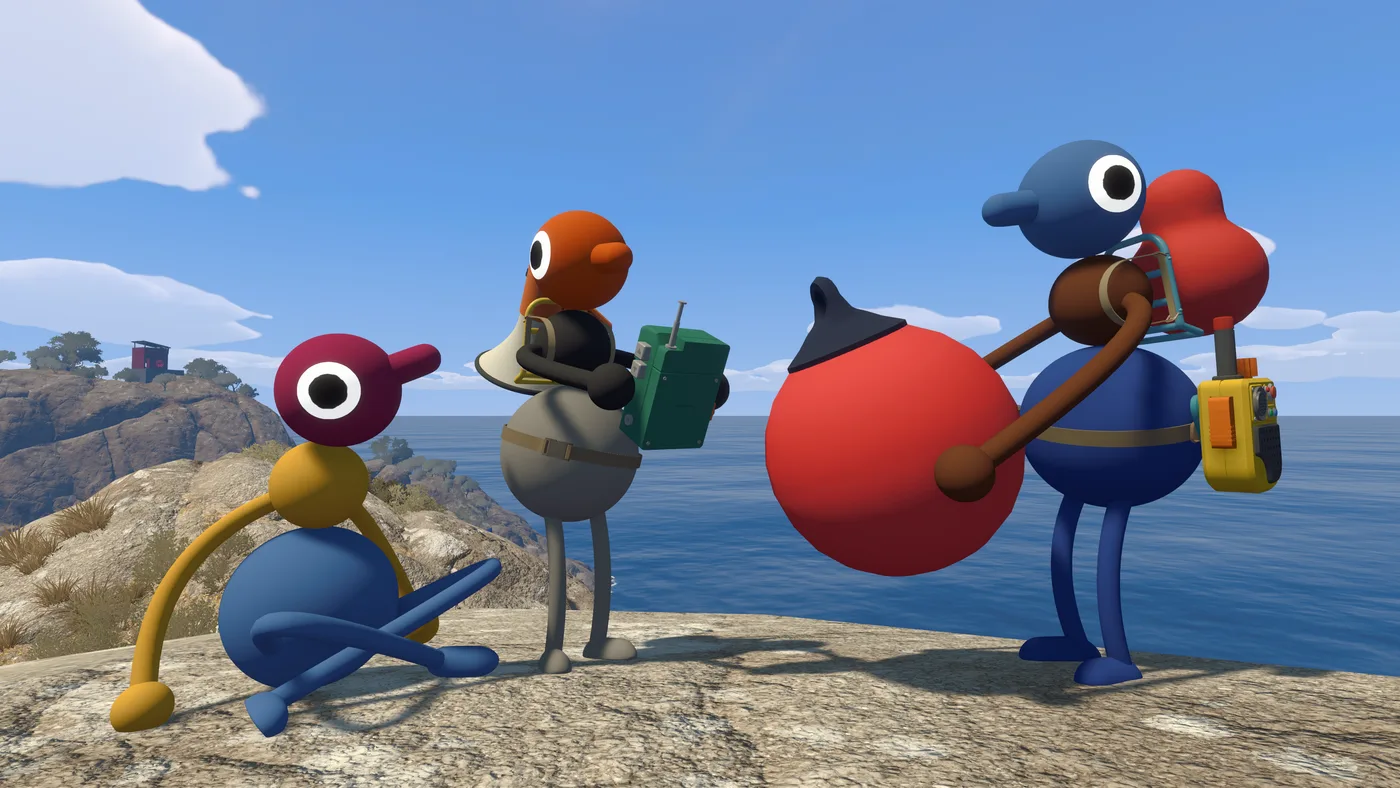
Most co-op games let you sort things out as you go. Big Walk does not. The host machine holds the only save, the world changes shape based on a number chosen at launch, and there is no matchmaking to replace a friend who drops out. Get these four decisions wrong and you will either be replaying the opening or waiting on one person’s schedule for the rest of the run.
None of this is difficult — it just has to happen before anyone loads in, and none of it is explained in the game before you are already committing. This page is the order to do it in.
1. Work out who is actually committing
Big Walk has a beginning, a middle and an end. House House describe it as “a hand-crafted cooperative adventure meant to be played start-to-finish with a group of friends,” and it is built for the same group across multiple sessions rather than drop-in company.
Before anyone buys, get a real answer from each person on two things: are they in for the whole run, and can they make a recurring time. The Steam achievement data shows what happens when that conversation does not happen — 81.5% of players have crossed the drawbridge, which is roughly the end of the opening, and only 34.9% have reached the map. That collapse is not a difficulty spike. It is groups that never got everyone back online at once.
Everyone also needs their own copy and their own screen. There is no split screen and no shared-screen mode, and House House specifically advise against playing in the same physical room — you would hear each other outside the game’s voice system, which breaks the puzzles that depend on you not being able to.
2. Pick the host carefully
The host is not a lobby button in Big Walk. The host machine holds the save, and the official FAQ is blunt about what that means: “A Big Walk host is the keeper of the save game and all of your progress. So, the host of your group will need to start playing first.” When the host stops the session, everyone else disconnects.
Pick on three criteria, in this order:
- Availability. If this person cannot make the sessions, nobody continues. Everything else is secondary.
- Connection. House House note that if all players are having network problems, the host is usually the cause.
- Frame rate. This one surprises people: the official troubleshooting page states that “the host having a low graphics framerate can cause network issues” for the whole group. The host should turn their settings down before anyone else does.
If your best-connected friend is also the least available, pick availability and have them lower their graphics settings instead.
3. Choose the world size
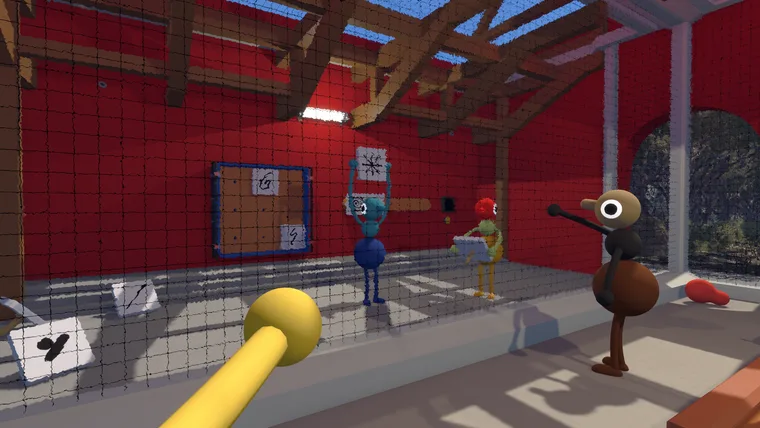
When the host starts a session they pick a 2-player, 3-player or 4+ player version of the world, and parts of the world change to match that choice. This is not a lobby cap.
The official framing is the important bit: think of the setting as the minimum number of players who will be participating, not the maximum. If five of you own the game but two can only make the first hour, the 3-player world is the correct choice — not the 4+ one.
House House say there is no ideal number and the game was not built around a specific count. Two players is a focused co-op experience; twelve is, in their words, “an absolute mess.” Both are intended.
- 1
- 2
- 3
- 4
- 5
- 6
- 7
- 8
- 9
- 10
- 11
- 12
FILLED = A FOUR-PLAYER SESSION · RED = HOST, HOLDS THE ONLY SAVE
4. Decide on challenge skipping
Certain challenges in Big Walk require particular abilities: hearing or reading, speaking or typing, reacting quickly, or fine motor control. The game includes a setting that lets any challenge be skipped, and the host enables it from the accessibility menu when starting a session — so it is a group decision made before you begin, not something an individual toggles later.
Turn it on if anyone in the group needs it. There is no scoring, no completion percentage tied to it, and nothing about the game punishes you for it.
The other accessibility options are per-player and can be changed any time: rebind all controls, multiple crosshair styles, hold-vs-toggle for some inputs, adjustable field of view, and several motion reduction overlays. Characters can also pick up and carry each other, which doubles as a traversal aid.
5. Get everyone into the session
Once the host starts, other players join in one of two ways.
Friends list. If you are friends on the platform you are playing on — Steam, PSN, or Nintendo Switch Online — the host’s active game appears automatically in a menu of friend games. This is the path of least resistance and works across platforms via crossplay.
Join code. A short unique code generated every time the host starts a session. Before launch it sits in the corner of the host menu; after launch it is in the in-game menu under Session Details, along with the option to change the session password mid-game.
One exception worth knowing before you buy: the Mac App Store version does not support Game Center, so no friends list appears there at all. If your host is on that version, everyone joins by code, every session.
What the first hour looks like
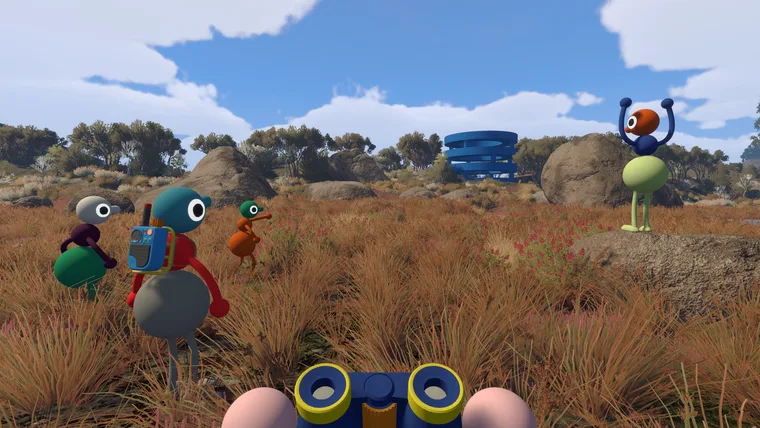
You will spend it walking and talking, and the game will spend it teaching you that those are the same activity. Voices fade with distance, echo down corridors, muffle through walls, and crackle through walkie-talkies. Text chat obeys the same rules, so a player without a microphone loses nothing.
The opening ends at a drawbridge — the achievement Big Walk (“Cross the drawbridge”) is unlocked by 81.5% of players, making it the one milestone almost every group reaches. Getting past it is not a test. Getting to the next one is: only a third of players have visited the map, and that is the first thing that asks the whole group to travel somewhere together.
So plan the second session before you finish the first.