
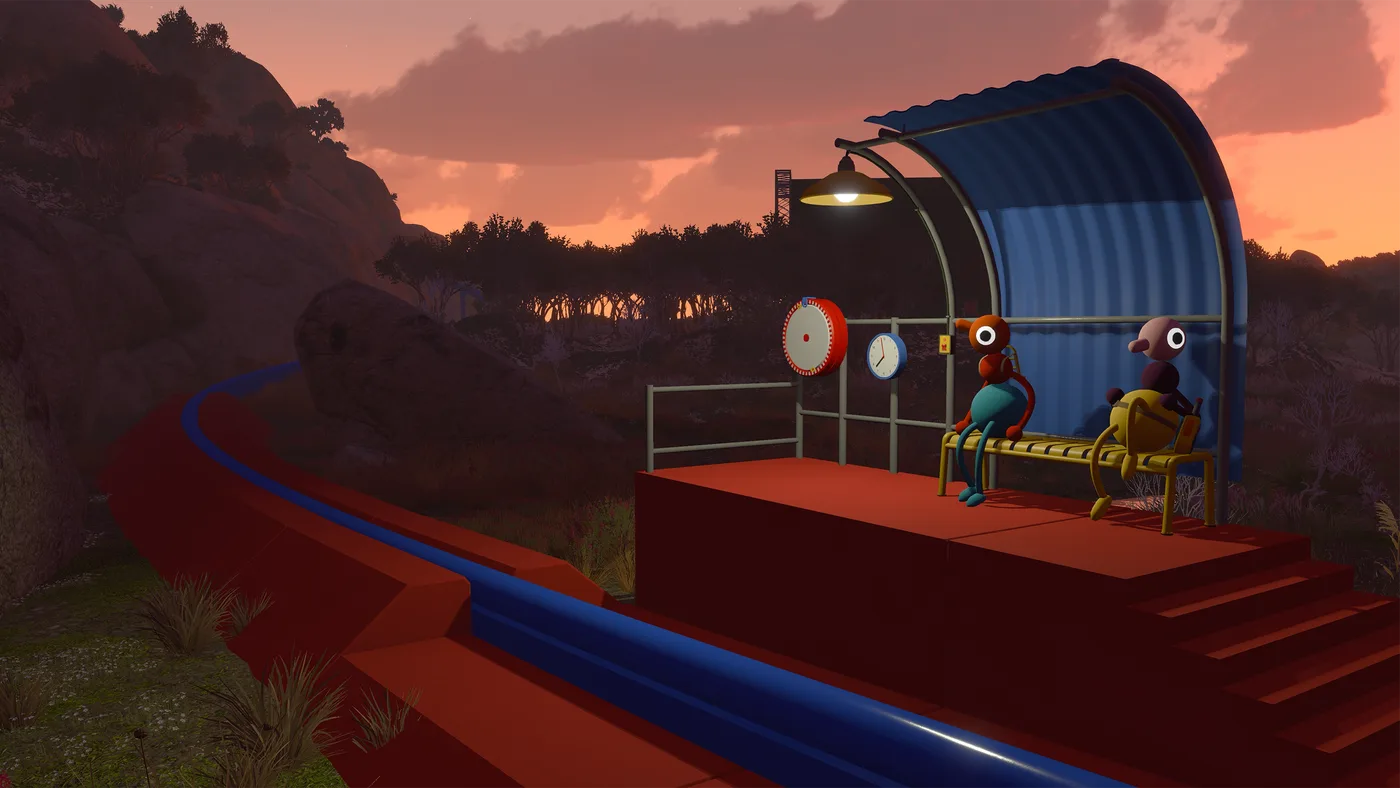
Several Big Walk terms are borrowed from other co-op games and mean something different here. “Host” is the big one — it is not a lobby role, it is the person who owns your save file. This page defines them as the game and the official FAQ use them.
Session and hosting
Host — the player whose machine holds the save game and all progress. The host must start playing before anyone else can join, and when they stop the session, every other player disconnects. There is no host migration and no way to transfer a save.
Session — one continuous period of play from when the host starts to when they stop. A join code and password belong to a session, not to a group; both are regenerated when a new session starts.
Join Code — a short unique code generated every time the host starts a session, used to let players in who are not on the host’s platform friends list. Displayed in the corner of the host menu before launch, and under Session Details afterwards.
Session Details — the in-game menu panel holding the current join code and the session password. The password can be changed while the game is running.
World version — the 2-player, 3-player or 4+ player variant of the world, chosen by the host when starting a session. Parts of the world adapt to the choice, and it cannot be changed partway through.
Crossplay — playing with people on other platforms. Supported across all four versions in every combination.
Communication
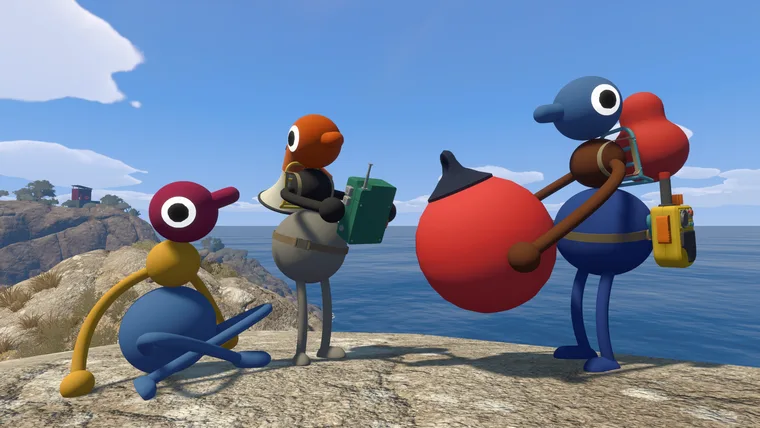
Proximity chat — the voice system. Voices fade with distance, echo down corridors, muffle through walls, and crackle through walkie-talkies. It is the game’s central mechanic rather than a convenience feature.
Text chat — the typed equivalent, with the same features and the same intentional limitations: unreadable at range, blocked by soundproof glass, and it travels through walkie-talkies. A player can finish the game using it exclusively.
Gestures — pointing, waving and general flailing, listed by House House as the fallback “in situations where talking isn’t an option.”
Mute Mode — a setting under Settings > Audio deciding whether voice transmission is push-to-talk. Set to “hold”, you must hold a button to be heard. The most common cause of a microphone that appears broken.
Microphone Activity — the live meter under Settings > Audio confirming the game is receiving input from your microphone.
Moderation menu — the in-game panel where a player can be silenced for the session.
External voice chat — talking to other players outside the game, e.g. on Discord. House House’s position: “❌ NOT ALLOWED ❌”. Not enforced, but it removes obstacles the game is built around.
Settings terms
Motion Reduction Overlay — one of several overlays under Settings > General intended to reduce motion sickness by giving your eyes a stationary reference.
Field of View (FOV) — under Settings > Graphics. A higher value shows more of the world and, per House House, may reduce claustrophobia and motion sickness.
Render Scale — under Settings > Graphics. Lowering it reduces GPU load. The first thing House House recommend lowering when performance is poor.
Quality — under Settings > Graphics. Lowering it reduces both CPU and GPU load. The second thing to lower, after Render Scale.
Rebinding — Settings > Rebinding, where every control can be remapped. Listed by House House as an accessibility feature.
Challenge skipping — an accessibility setting that lets any challenge be skipped. Enabled by the host from the accessibility menu when starting a session, so it applies to the whole group. Covers challenges requiring hearing, reading, speaking, typing, fast reactions or fine motor control.
Mouse mode — a Nintendo Switch 2 input mode that Big Walk supports on that platform, giving pointer-style control on a console.