
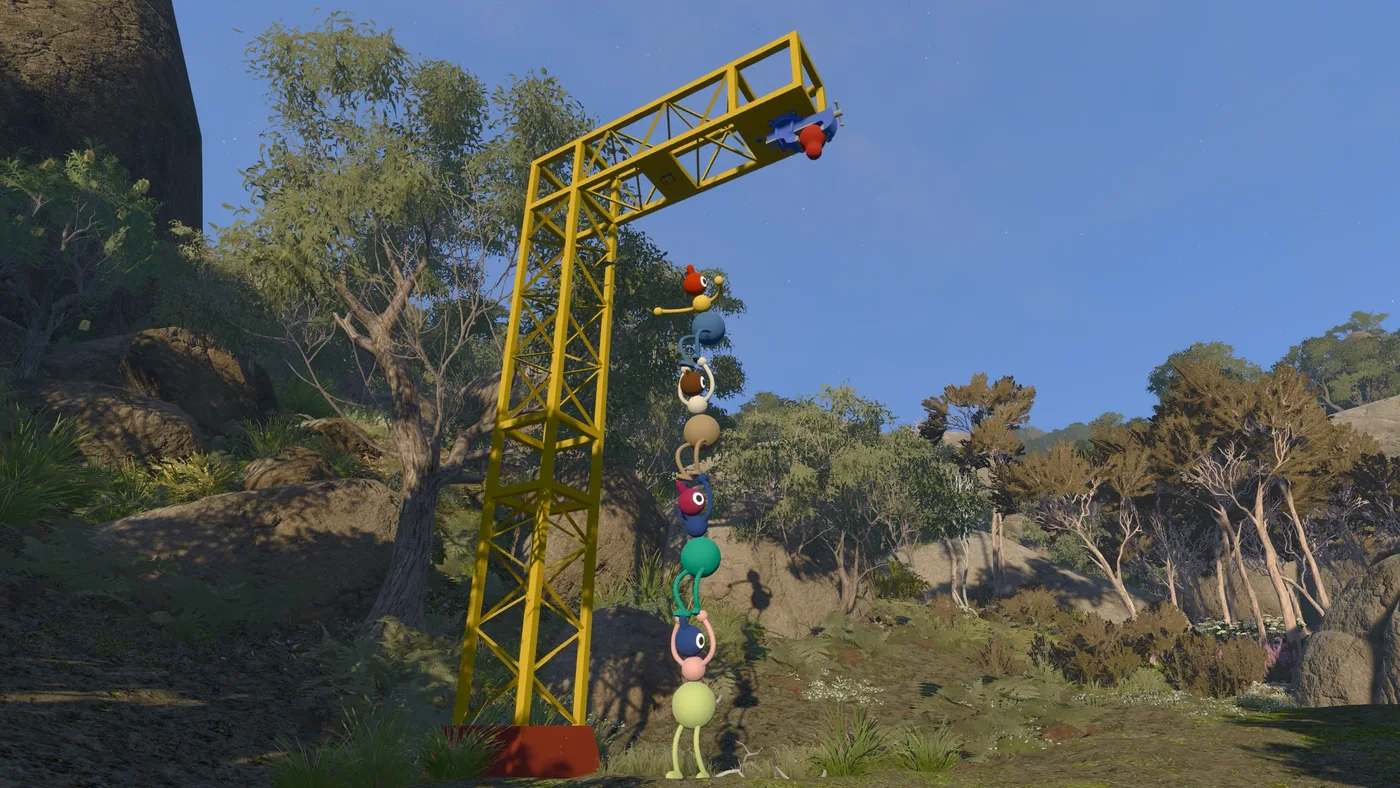
In most co-op games the host is whoever pressed the button first. In Big Walk it is the person who owns your entire run. House House put it plainly: “A Big Walk host is the keeper of the save game and all of your progress. So, the host of your group will need to start playing first.”
There is no cloud save shared across the group, no host migration, and no way to hand the save to somebody else. Choosing this person is the highest-stakes decision in the setup, and it is the one most groups make by accident.
The host owns the run
Three facts define the model, all from the official FAQ:
- The host saves automatically. Nobody else needs to do anything, and there is no manual save step to forget.
- The host must start first. Other players connect to a session that already exists; they cannot create one and wait.
- When the host stops, everyone disconnects. Ending a session is not “the host leaves and the rest carry on” — it is the session ending.
The practical shape of that: to continue where you left off, the same person has to host again. If they are away for two weeks, your run is away for two weeks.
How to pick a host
Rank the candidates by these three, in this order.
Availability first. This is the only criterion that can hard-block the group. A host with a mid-range machine who is online every Tuesday is worth more than a host with a high-end machine who is online at random.
Connection second. House House note that if every player in a session is having network trouble, the host is the likely cause: “If all players on a game are experiencing network issues, it may be that the host is having network troubles.” A wired connection is a real advantage here.
Frame rate third — but do not skip it. See below; this one is not obvious.
What is not a criterion: who owns the game on which platform. Crossplay means the host can be on Steam, Mac, PS5 or Switch 2 without limiting who joins. The only platform-specific wrinkle is that a host on the Mac App Store build has no friends list, so everyone joins by code.
What happens when the host leaves
When the host ends a session, all other players are disconnected. Progress up to that point is saved on the host machine, so nothing is lost — but nothing is portable either.
If your host disappears from the group permanently, the run does not transfer. Someone else can host, but they start a new save from the beginning. There is no published mechanism for exporting, importing, or transferring a Big Walk save.
That risk is worth naming before you start, because a Big Walk run is measured in multiple sessions rather than one evening. The 34.9% unlock rate on “visit the map” — the first objective past the opening — is what a group that never reconvened looks like in aggregate.
The frame-rate trap
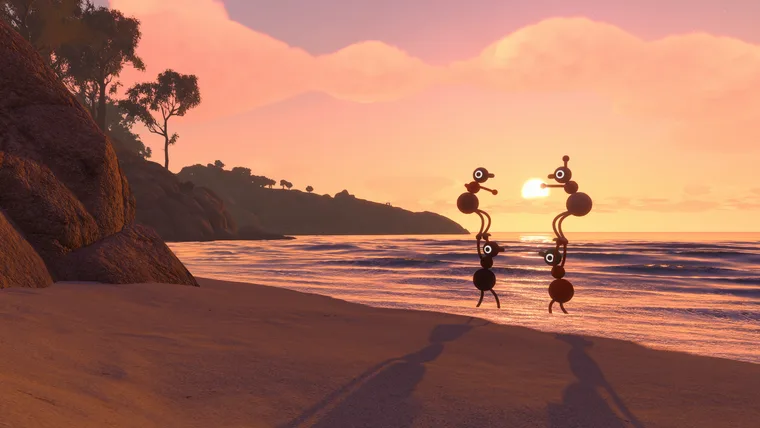
This is the least intuitive rule in the game and it is stated directly in the official troubleshooting notes: “A low graphics framerate, or the host having a low graphics framerate, can cause network issues.”
The host is not just relaying the session; their machine’s performance feeds into it. So if characters are jittery, laggy or skipping around for everyone, the fix may not be anyone’s internet — it may be that the host is running at 25fps with everything on high.
House House’s recommended order for fixing that, in their words:
- Settings > Graphics > Render Scale — lower it. This reduces GPU load.
- Settings > Graphics > Quality — lower it. This reduces CPU and GPU load.
- Raise Render Scale back up gradually until it stops being smooth.
The point of that sequence is balancing CPU against GPU rather than just turning everything down. And their other suggestion for a struggling host is the simplest one: get a different player to host.
Cloud saves do not change the model
Both console platforms offer save backup — Nintendo Switch Online includes save data cloud functionality, and Steam lists Big Walk with Steam Cloud. Neither makes your run portable.
The reason is that those systems back up your save, and in Big Walk the run is not your save. It belongs to whoever hosted. A cloud backup protects the host’s data against losing their own machine; it does nothing for the other four players, who have no copy of the progress at all.
Steam also lists the game under Save Anytime, which reflects that saving is continuous and automatic on the host machine rather than checkpoint-based. There is no manual save, no save slot management, and nothing for a non-host player to back up.
Practical rules for a group
Four rules follow from the model, and they cost nothing to agree on in advance:
- Name the host before anyone buys. Availability decides this, not hardware.
- Schedule around them, not around the group. Any session without the host is not a session.
- Have the host lower their graphics settings before session one. Their frame rate is everyone’s network quality.
- Accept that a lost host means a lost run. There is no transfer mechanism. If your host is likely to disappear — moving, changing jobs, going away — pick someone else.
The Steam unlock rates are what this looks like when it goes wrong: 81.5% of players cross the drawbridge, 34.9% reach the map. That gap is mostly groups that never reconvened.